The full journey
What actually happens after you tap
Eleven steps between the button and the hospital bed. You are responsible for exactly one of them — and everything below is what we do with the other ten while you look after the person in front of you.
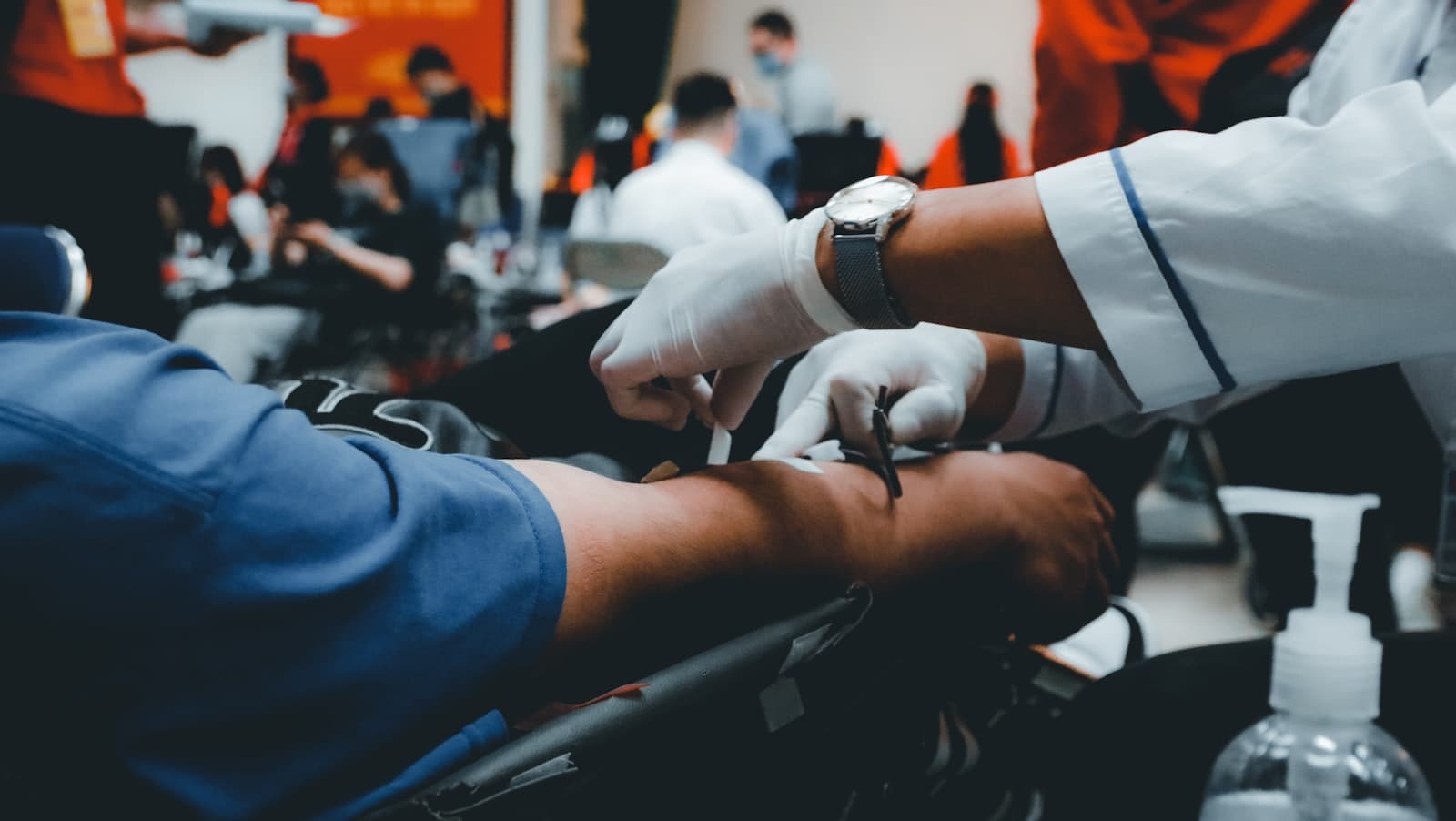
The emergency journey, step by step
You tap SOS
One button, on the home screen of the app. No login, no menu, no form. Tap it and help is already being arranged.
Behind the scenes — Your location, your identity and your medical history are attached to the case the instant you tap. Nobody has to ask you for an address while you're struggling to speak.
You pick what's happening
Seven plain-language options — chest pain, stroke signs, head injury, pregnancy, burns, accident, or “something else”. If you're unsure, pick the last one. Every ambulance carries the full kit regardless.
Behind the scenes — Your choice doesn't change what equipment arrives. It changes what the crew is briefed on before they reach you, and which hospitals we start checking.
We find you
Your phone's location is sent automatically. If you're at a saved address — home, a parent's flat, your office — we already know the building, the wing and the floor.
Behind the scenes — Getting to the gate is easy; getting to the right flat is where minutes disappear. Society addresses in our network are mapped down to the wing.
An ambulance is assigned in seconds
We pick the nearest available ambulance with a trained EHP on board and send it to you. You do not have to call, negotiate or wait on hold.
Behind the scenes — Assignment targets under 30 seconds. We match on real-time position and road distance — not straight-line distance, which is how you end up with an ambulance that looks close on a map and is across a creek in reality.
The crew sees your medical history
Before they arrive, the EHP can see your age, conditions, allergies, current medication and blood group — whatever you chose to record.
Behind the scenes — This is the part that matters most for elderly parents. If they can't answer questions, their profile answers for them.
Your family gets a tracking link
Your emergency contacts receive a WhatsApp message and an SMS with a live map. They can see the ambulance moving and its estimated arrival time.
Behind the scenes — It goes out on both channels because WhatsApp needs data and SMS doesn't. In an emergency you don't get to assume anyone's phone is online.
Help arrives — and treatment starts at your door
An EHP is not a driver. They're trained to begin assessment and treatment where you are, rather than waiting until you reach a hospital.
Behind the scenes — For a cardiac arrest or a stroke, care starting in your living room instead of in a hospital corridor is the difference the whole platform exists for.
A hospital is chosen — the right one, not the nearest one
We route to a hospital in our NABH-accredited network that can actually treat what you have. The closest hospital is no help if it has no stroke unit.
Behind the scenes — We query hospitals for a bed while the ambulance is still on its way to you, so the answer is in hand before you're loaded.
The hospital is told you're coming
The emergency department receives your details, the EHP's assessment and your arrival time before the ambulance sets off for them.
Behind the scenes — A pre-arrival notification is why the team is waiting at the door instead of starting the paperwork once you get there.
The drive, with someone watching you
The EHP monitors you the whole way and can consult a doctor by phone. Your family keeps watching the same live map.
Behind the scenes — If your condition changes during the drive, the hospital is updated before you arrive — the plan is adjusted en route, not on the ramp.
Handover, and then a record
The EHP hands over to the hospital team in person. Afterwards, you and your family get a record of what happened and when.
Behind the scenes — Every case is logged end to end. That record is yours — it's also what lets us find and fix a slow response instead of explaining it away.
What if…
The parts people worry about
Every service has edges. Here are ours, stated before you have to find them.
What if I'm outside your service area?
Our helpline still answers, and still helps — we'll direct you to the nearest appropriate hospital and stay on the line. We won't dispatch an omya ambulance somewhere we don't operate, and we'd rather tell you that in one sentence than leave you waiting for one that isn't coming. We're currently live in Thane and Powai, Mumbai.What if my subscription has expired and I press SOS?
The emergency is never blocked outright. You'll be offered a renewal that takes about sixty seconds, and the helpline stays reachable throughout. Nobody at omya decides whether your emergency is worth answering based on a billing status.What if my phone has no internet?
Call the helpline — it works over an ordinary voice call with no data at all. The app also queues your SOS and sends it the moment any connection returns, so a weak signal delays it rather than losing it.What if I press SOS by mistake?
You get a two-minute window to cancel, right there on the screen. Cancel within it and nothing further happens. Miss the window and you'll get a call to check — an accidental tap costs you a short conversation, and no charge.What if the emergency isn't mine?
Raise it anyway. On a Family plan you can raise an SOS for any member. For a stranger on the street, use the helpline — we'd rather send an ambulance to someone who isn't a subscriber than have you stand there deciding.What if I'm travelling within the service area?
Your cover follows you, not your address. Saved addresses simply help us find you faster; they don't limit where you're covered.
Cover starts the moment you subscribe
No waiting period, no medical test, no paperwork. ₹365 a year for one person, ₹999 for a family of five. We're live in Thane & Powai, Mumbai.